
Key facts
- Health (heart), stamina (lightning bolt) and Focus (eye) sit top-left and only show when they change or the weapon wheel is open
- Wanted stars change look as police learn more: hollow, grey, solid white, flashing white, then dark red
- Heat icons under the stars show what police know: CCTV, clothing, the pair, vehicle, appearance or weapon
- Hit markers: a white X is a hit, yellow means incapacitated, red means killed
As of 22 November 2026, GTA 6 keeps its HUD hidden most of the time: your meters sit in the top-left, and wanted stars and Heat icons appear top-right only after a crime. The pink heart is health, the turquoise lightning bolt is stamina and the purple eye is Focus. Wanted stars change appearance depending on how much the police know, and the small icons beneath them tell you exactly what gives you away, whether that’s CCTV footage, your outfit, your car or the fact that Jason and Lucia are together. Here’s what each one means and what to do about it.
The meters (top-left)
| Icon | What it is | What to know |
|---|---|---|
| Pink heart | Health | Can go past full with extra health, shown after a white divider |
| Segmented bar | Body armor | Sits with health; see how to heal for armor and Zombix |
| Turquoise lightning bolt | Stamina | Drains when you sprint, swim or cycle; grows with workouts |
| Purple eye | Focus | Slow-motion aiming and spotting; see the Focus guide |
| Oxygen meter | Air underwater | Only shows when you dive; scuba gear adds tank air on top of your lungs |
The meters stay hidden until a value changes, so you’ll mostly see them in fights and on the move. Hold L1 / LB to open the weapon wheel and they all appear at once, along with your cash and BuckMe balance in the top-right. For raising each stat for good, see how to increase your stats.
Money icons
The purple B is your BuckMe balance: money in the app is safe if you’re Wasted or Busted. The cash figure is what you’re carrying, and that you can lose. Both show top-right when you open the weapon wheel, just under the wanted and Criminal Profile icons.
Wanted stars: what each look means
GTA 6 goes up to six stars, and they only appear once a crime is reported. The way the stars look tells you what the police know:
| Star | Meaning |
|---|---|
| Hollow (black outline) | A crime was reported, but police can’t identify you |
| Grey | Police are investigating and searching for a suspect |
| Solid white | Police know where you are and are chasing you |
| Flashing white | You’ve broken line of sight; they’re still searching |
| Dark red | The chase is over, but the area stays a “Hot Area” on alert |
Police cars don’t show on the minimap, but the search area does. Walking or driving back into a Hot Area while you still match the description can start the chase again. The full system, including masks and how to escape, is in our wanted level and Heat guide.
Heat icons and how to clear each one
Heat icons sit under your stars and show which details the police have. Get rid of the detail and the icon goes:
| Heat icon | What police have | How to clear it |
|---|---|---|
| CCTV | Camera footage of the crime | Destroy footage stored on site; footage backed up to the cloud may not be erasable |
| Clothing | A description of your outfit | Change clothes out of sight; keep a spare outfit in the trunk |
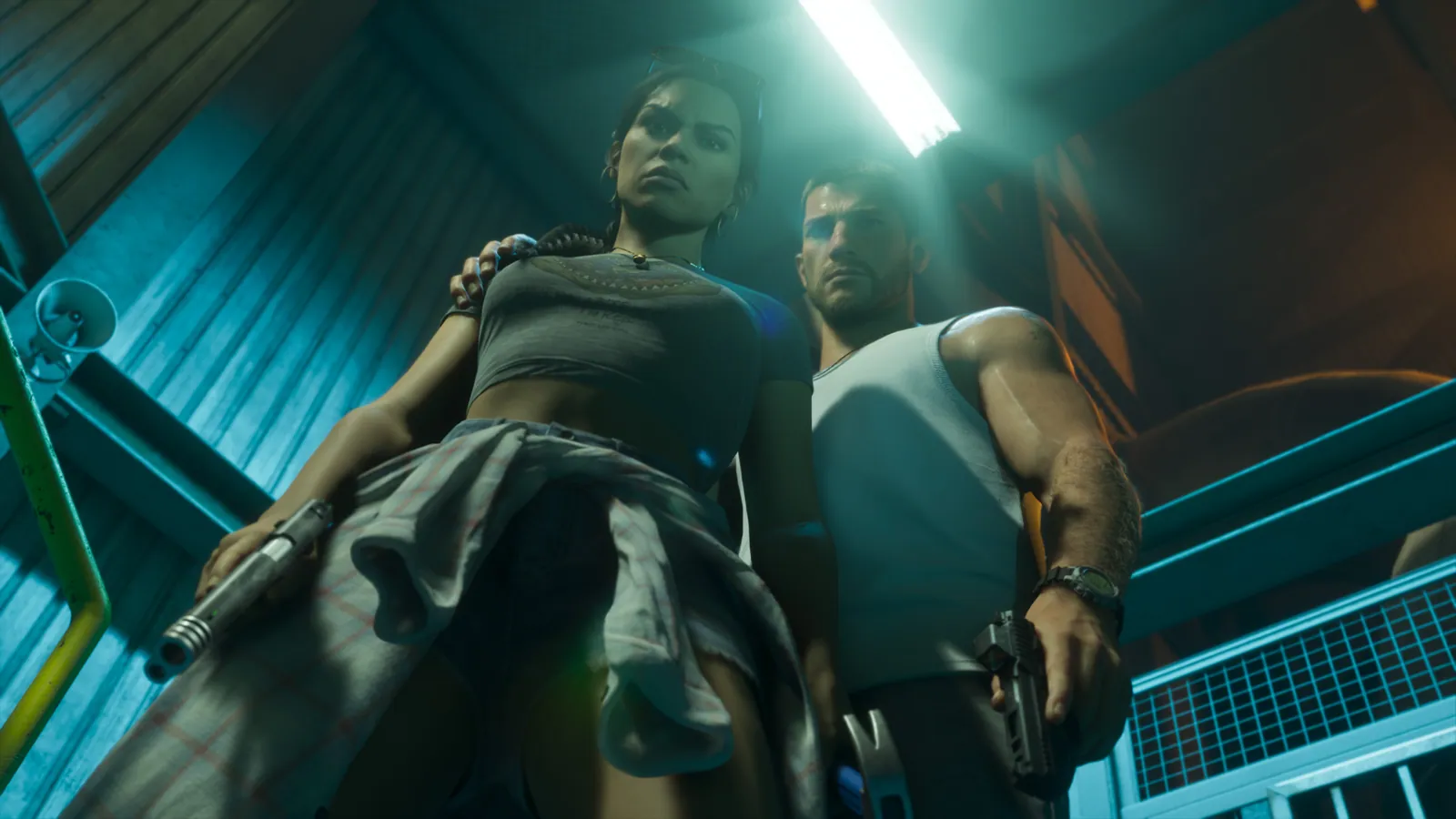
| Group | They’re looking for a pair | Split Jason and Lucia up (hold D-pad Right for the partner menu) |
| Vehicle | Your getaway car | Ditch it, swap it or get a respray at a Pay ‘n’ Spray |
| Appearance | Your face, hair or accessories | Put on or take off a mask, glasses or hat, or visit a barber |
| Weapon | The gun you were seen with | Holster it (L1 / LB); pistols can be concealed, long guns have to go in the trunk |
After a chase, a still-recognised detail shows in red; it turns white once you’ve cleared it. Clear the icons, leave the search area and the stars fade. Your partner can also be told to distract pursuing officers from the partner menu.
Criminal Profile face
The face icon next to your stars is your Criminal Profile: Professional, Hardened, Violent, Psycho or Irredeemable. Jason and Lucia each have their own. Taking enemies down without killing them keeps you nearer Professional, and Irredeemable can’t be undone.
Hit markers
When you shoot, a small X flashes on the crosshair:
- White X: you hit the target, but they’re still up.
- Yellow X: you incapacitated them without killing them, which helps a Professional profile.
- Red X: a kill.
Tips
- Open the weapon wheel to check everything at once. It’s the quickest way to see all three meters, your cash and your BuckMe balance.
- Read the stars before you run. A hollow or grey star means nobody knows who you are yet, so walking away calmly can beat a getaway.
- Fix the Heat icon, not just the stars. Escaping the search area with the same car and outfit can pull you straight back into a chase.
- Watch for yellow X marks if you’re trying to keep a clean profile: they confirm a non-lethal takedown.
Quick answers
What do the icons in the top-left of GTA 6 mean?
The pink heart is health, the turquoise lightning bolt is stamina and the purple eye is Focus. An oxygen meter joins them underwater.
What do the different wanted stars mean in GTA 6?
Hollow means a crime was reported but you’re unidentified, grey means police are searching, solid white means they’re chasing you, flashing white means you’ve broken line of sight, and dark red marks a Hot Area still on alert.
What are the icons under the wanted stars in GTA 6?
They’re Heat markers showing what police know: CCTV footage, your clothing, that you’re a pair, your vehicle, your appearance or your weapon. Change or hide that detail to clear the icon.
What does a yellow X mean in GTA 6?
It means you incapacitated the target without killing them. A white X is a hit that didn’t drop them and a red X is a kill.
How do you see your health and money in GTA 6?
Hold L1 / LB to open the weapon wheel. Your meters, cash and BuckMe balance all appear while it’s open.
Sources4
- GameRiv: every GTA 6 icon explained
- Gfinity: GTA 6 Heat icons explained
- Beebom: GTA 6 HUD and UI icons explained
- PowerPyx: Unwanted Attention walkthrough (recognition icons)
Every fact is checked against Rockstar, Take-Two, the platform holders or named major outlets. Leaks and insider claims are labelled Rumour. How we verify