
Key facts
- GTA 6 has a full photo mode, called Photo Studio, in the pause menu
- Photo Studio has camera, effects, lighting (up to 5 lights) and overlay tabs
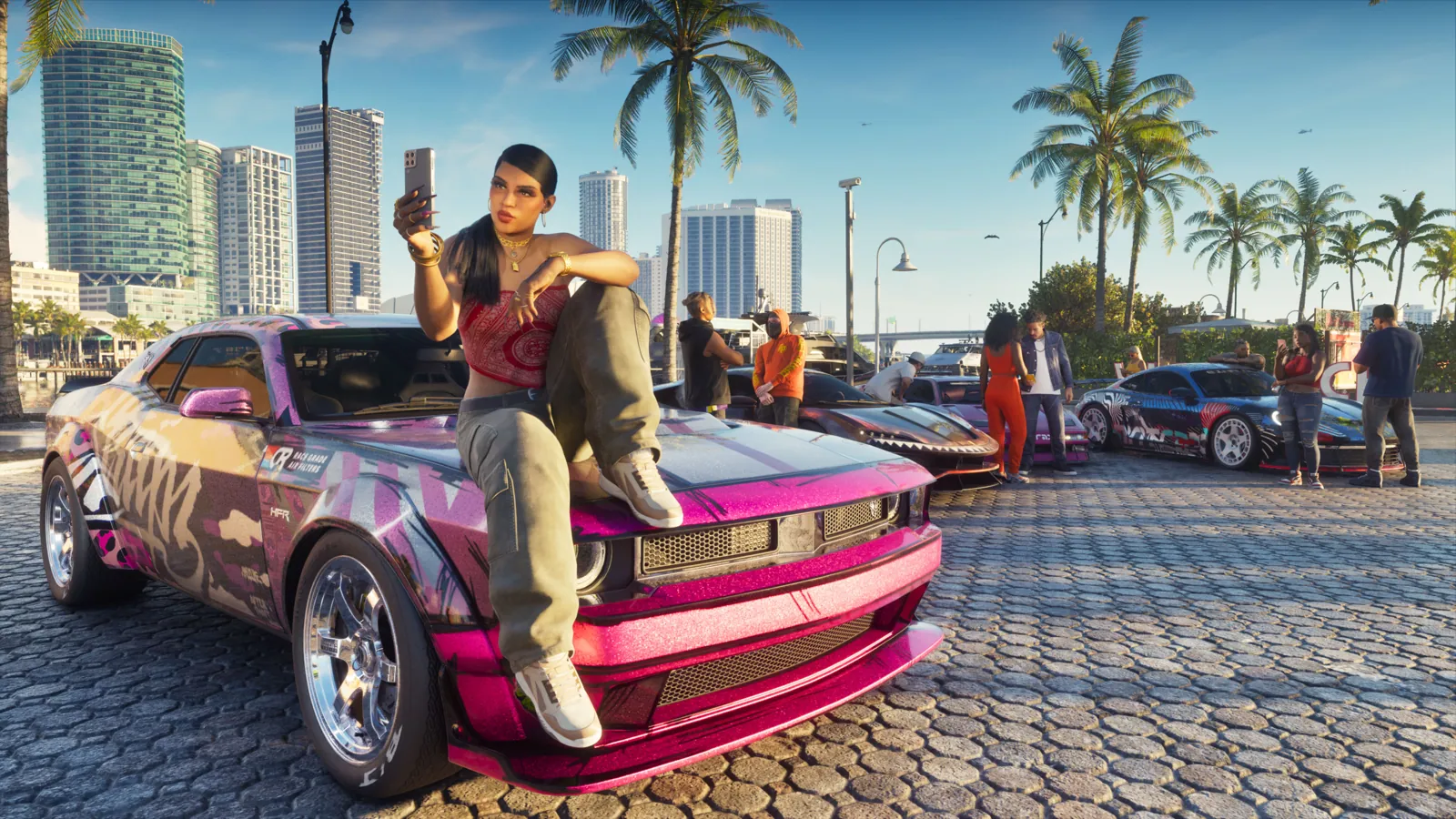
- The phone camera has a rear camera and a selfie camera with poses and expressions
- Snapmatic lets you browse and like posts, but Jason and Lucia can't post
Yes, GTA 6 has a proper photo mode. It’s called Photo Studio and you open it from the pause menu. It freezes the action and lets you move a free camera, change depth of field, add lights, filters and effects, and hide your character. For quick snaps and selfies, use the Camera app on Jason’s or Lucia’s phone instead.
How to open Photo Studio
- Pause the game (Options on PS5, Menu on Xbox).
- Select Photo Studio in the pause menu.
- Move the camera, set up your shot and take the picture.
It’s available almost from the start: once you take control of Lucia in the prologue. Photo Studio also works during some cutscenes, but with fewer settings, and options that can’t be used at that moment are marked as unavailable.
What you can change in Photo Studio
| Tab | What’s in it |
|---|---|
| Camera | Camera speed, grid lines, roll (tilt), 8 aspect ratios, field of view, depth of field, aperture, focus distance, a focus guide, and a toggle to hide Jason or Lucia |
| Effects | Exposure, contrast, highlights, shadows, saturation, sharpness, grain, temperature, tint, gamma, lens flare, bloom and chromatic aberration |
| Lighting | Up to 5 extra light sources, each with its own colour and brightness |
| Overlays | 17 filters, vignette, colour isolation, and a switch for gameplay effects such as the low-health screen tint |
You can’t change the time of day or the weather in Photo Studio, so wait for the light you want before you pause.
How to take a selfie
The phone unlocks once you’re playing as Jason after the prologue.
- Press up on the D-pad to bring out the phone.
- Open Camera (third icon on the top row).
- Switch to Selfie to flip to the front camera.
| Camera | Options |
|---|---|
| Rear | Take photo, flash, 3x3 grid, zoom up to 5x, 17 filters, gallery |
| Selfie | Take photo, flash, your character’s pose and facial expression, your partner’s pose, gallery |
Selfies are also part of relationship texting between Jason and Lucia.
Snapmatic: can you post your photos?
No. Snapmatic is back as the in-game social app, but it’s read-only for you: scroll other accounts’ posts, like them, read comments and mark a post’s location on your map. Jason and Lucia keep a low profile on social media, so there’s no option to upload your own shots.
Tips for better shots
- Use depth of field. A wide aperture and a close focus distance blur busy backgrounds and make Jason or Lucia stand out.
- Turn off gameplay effects before a shot taken in a fight, so the low-health tint doesn’t ruin it.
- Add one light, not five. A single coloured light from the side looks better at night than several at once.
- Golden hour in Vice City and the Keys is the easiest light to work with. See the map guide for spots.
Quick answers
Does GTA 6 have a photo mode?
Yes. It’s called Photo Studio and it’s in the pause menu.
How do you open photo mode in GTA 6?
Pause the game and select Photo Studio. It’s available from early in the prologue.
How do you take a selfie in GTA 6?
Press up on the D-pad to open the phone, choose Camera, then switch to Selfie. You can change your pose and expression.
Can you post photos to Snapmatic in GTA 6?
No. You can browse, like and locate posts, but Jason and Lucia can’t upload their own.
Can you change the weather in GTA 6 photo mode?
No. Time of day and weather can’t be changed in Photo Studio.
Sources2
- Insider Gaming: Does GTA 6 have photo mode? How to use Photo Studio and Snapmatic
- Game Rant: GTA 6 how to use photo mode and take selfies
Every fact is checked against Rockstar, Take-Two, the platform holders or named major outlets. Leaks and insider claims are labelled Rumour. How we verify