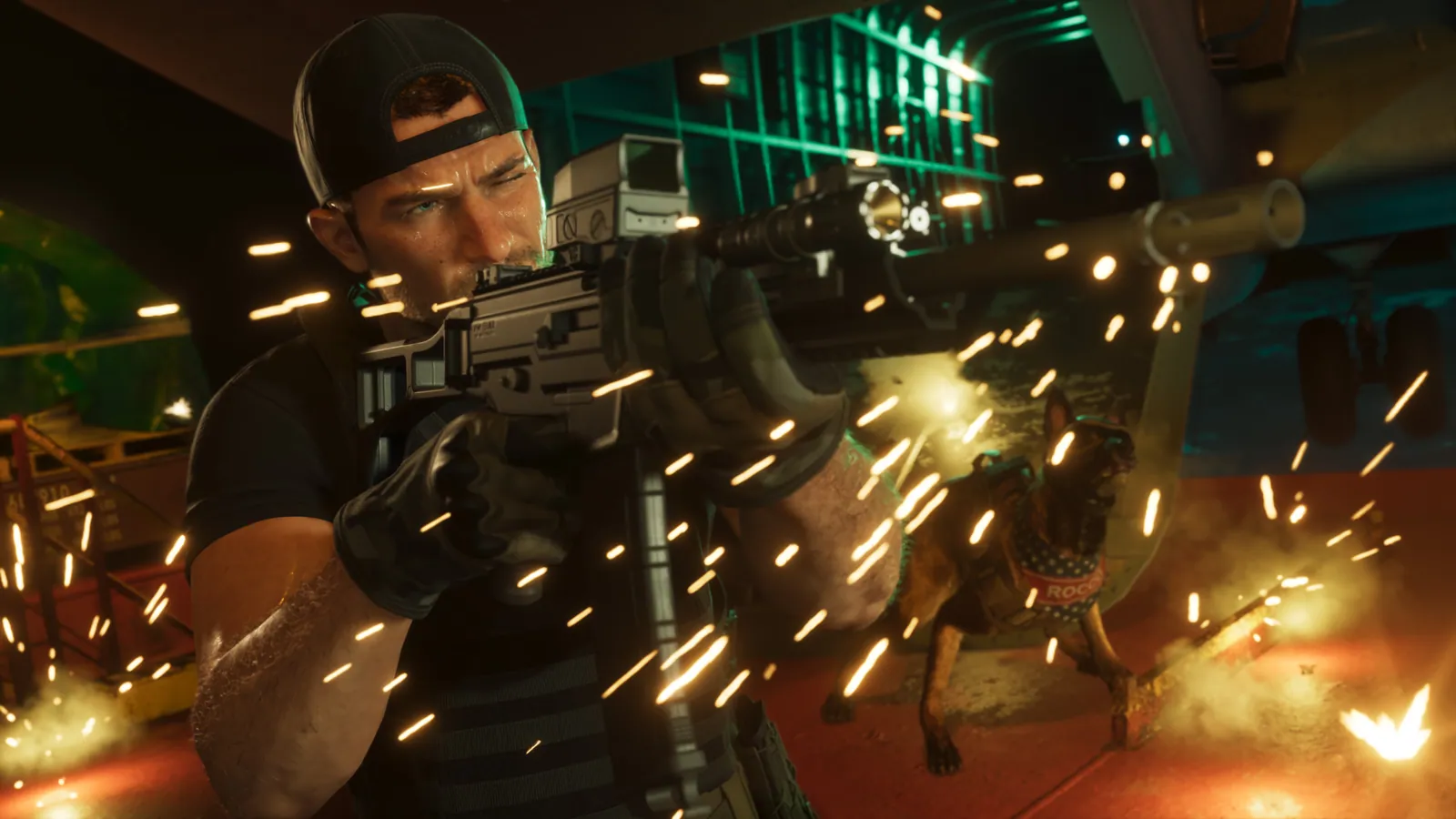
Key facts
- Sprint is on L3 / left stick click by default, not Cross / A as in GTA 5
- Crouch is Circle / B; hold it to sit or rest anywhere
- There are three control schemes: Default, Classic and Left-Handed
- Hold L1 / LB to open your loadout of weapons, items and armour
- You can flip an upside-down car by pushing it and holding Square / X
GTA 6’s biggest control change is sprinting: it’s on L3 on PS5 (click the left stick on Xbox), not the jump button as in GTA 5 and Red Dead Redemption 2. Jump is Cross / A, crouch is Circle / B, cover is R1 / RB, hold L1 / LB for your loadout and press up on the D-pad for the phone. The tables below give every default input for PS5 and Xbox Series X|S, on foot, in a fight, behind the wheel, in the air and in the water. If the layout feels wrong, there are three schemes to choose from under Settings > Control Scheme.
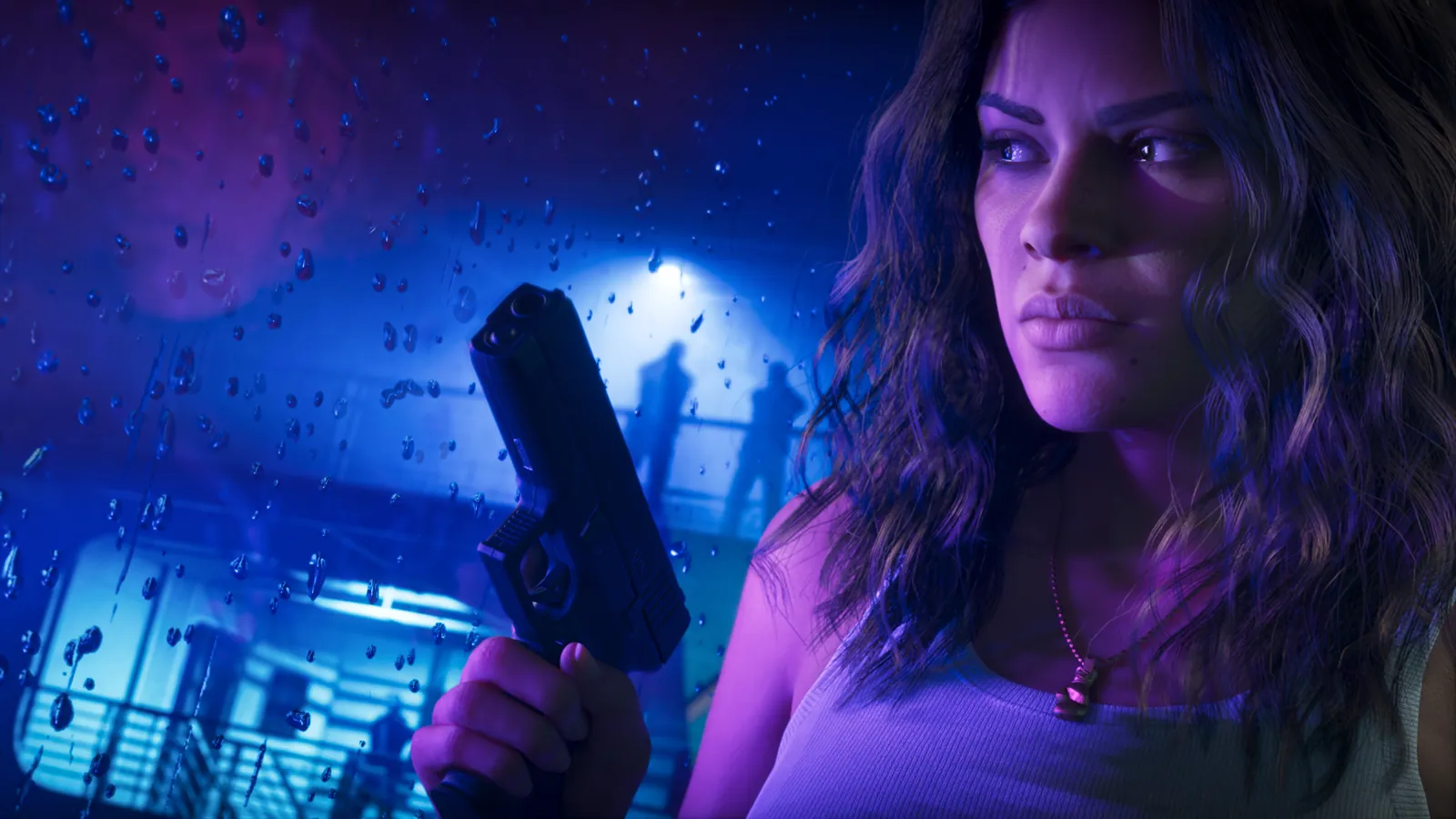
On foot
| Action | PS5 | Xbox |
|---|---|---|
| Move | Left stick | Left stick |
| Look | Right stick | Right stick |
| Sprint | L3 (click left stick) | Left stick click |
| Jump / climb | Cross | A |
| Crouch | Circle | B |
| Sit or rest | Hold Circle | Hold B |
| Take or leave cover | R1 | RB |
| Interact (doors, items, cars) | Triangle | Y |
| Talk to people | Hold L2 | Hold LT |
| Look behind | Hold R3 | Hold right stick |
| Inspect surroundings | L2 + R3 | LT + right stick click |
| Focus | L3 + R3 | Both stick clicks |
| Partner menu | Hold D-pad right | Hold D-pad right |
| Switch to Jason or Lucia | R1 | RB |
Character switching only opens up after the Chapter 2 mission Coffee Break; see how to switch characters. Focus is the slow-motion aiming ability explained in our Focus guide.
Guns and explosives
| Action | PS5 | Xbox |
|---|---|---|
| Aim | Hold L2 | Hold LT |
| Shoot | R2 | RT |
| Zoom or switch throw path | R3 | Right stick click |
| Holster weapon | L1 | LB |
| Loadout (weapons, items, armour) | Hold L1 | Hold LB |
| Quick swap weapon while aiming | Triangle | Y |
| Quick throw last explosive | Hold R1 | Hold RB |
| Throw (hold to cook a grenade) | R2 | RT |
| Grab an enemy from behind | Hold R2 | Hold RT |
| Silent takedown while grabbing | Square | X |
| Whistle to lure an enemy | Hold L2 while looking at them | Hold LT |
While aiming, the D-pad handles scope zoom (up and down), switching shoulder (left) and detonating sticky bombs (right). One guide lists these as holds and another as taps, so try both if nothing happens. To change what you’re wearing, such as a mask, hold L1 / LB and press R1 / RB to reach Items.
Fists
| Action | PS5 | Xbox |
|---|---|---|
| Lock on | Hold L2 | Hold LT |
| Punch or kick | Square | X |
| Heavy attack | Hold Square | Hold X |
| Grapple | R2 | RT |
| Block | Hold Cross | Hold A |
| Dodge or counter | Cross just before a hit | A just before a hit |
Driving
| Action | PS5 | Xbox |
|---|---|---|
| Steer | Left stick | Left stick |
| Accelerate | R2 | RT |
| Brake / reverse | L2 | LT |
| Handbrake | Cross | A |
| Horn (nitrous if fitted) | L3 | Left stick click |
| Shoot from the car | R1 | RB |
| Draw sidearm | L1 | LB |
| Duck to hide from police | Hold Circle | Hold B |
| Vehicle menu (radio, lights, windows) | Hold D-pad left | Hold D-pad left |
| Talk to people from the car | Hold D-pad up | Hold D-pad up |
| Swing the door open or kick a biker | Square | X |
| Yell at drivers | R3 | Right stick click |
| Exit | Triangle | Y |
On PS5, Shacknews also lists tapping Circle for headlights and tapping D-pad left or right for indicators. Bicycles use R2 / RT to pedal, Cross / A to sprint, Circle / B to bunnyhop and L3 for the bell. To fix a battered car, see how to repair your car.
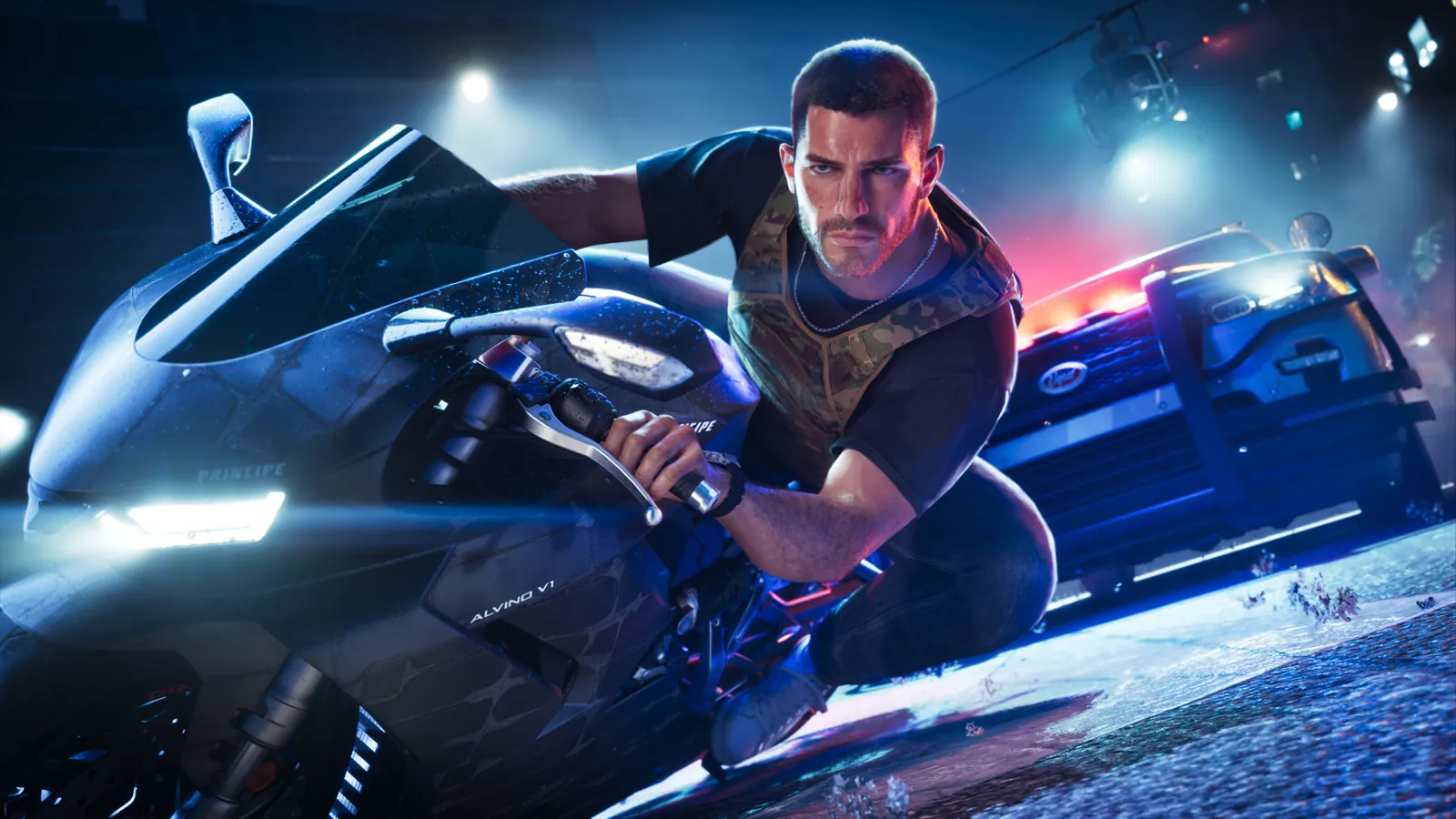
Planes and helicopters
| Action | PS5 | Xbox |
|---|---|---|
| Pitch and roll | Left stick | Left stick |
| Throttle up / climb | R2 | RT |
| Throttle down / descend | L2 | LT |
| Yaw or turn left / right | Square / Circle | X / B |
| Landing gear | L3 | Left stick click |
| Fire weapons | R1 | RB |
| Exit | Triangle | Y |
Where to find aircraft is in our planes and helicopters guide.
Swimming and parachuting
| Action | PS5 | Xbox |
|---|---|---|
| Swim faster | L3 | Left stick click |
| Dive | Hold R1 | Hold RB |
| Surface | Cross | A |
| Open parachute | Cross | A |
| Steer parachute | Left stick | Left stick |
| Brake left / right | L2 / R2 | LT / RT |
| Cut away the parachute | Triangle | Y |
Phone, map and menus
| Action | PS5 | Xbox |
|---|---|---|
| Phone | D-pad up | D-pad up |
| WAiNK app | Hold D-pad up | Hold D-pad up |
| Show objective and HUD | D-pad down | D-pad down |
| Quick navigation | Hold D-pad down | Hold D-pad down |
| Radio menu | Hold D-pad left | Hold D-pad left |
| Map | Touchpad | View button |
| Pause menu | Options | Menu button |
Cheats are typed in with the phone out: press up on the D-pad, hold L1 / LB, press R1 / RB, then enter the code. They only unlock after the story; see all GTA 6 cheats. Every app on the phone is covered in our phone guide.
Hidden controls the game doesn’t explain
- Sit anywhere. Hold Circle / B on foot. On grass or sand your character sits down; elsewhere they lean or rest against a wall.
- Flip a car back over. Walk up to the side of an upturned car, push the left stick towards it, then hold Square / X to heave it upright. It won’t work on heavy vehicles, on steep slopes or when you’re out of stamina.
- Push a car or boat. The same move shoves a car that’s run out of fuel or a beached jet ski back into the water. Hold Square / X to push harder.
- Vault a bonnet. Press Cross / A while running at a parked car to slide over it.
- Chain climbs. Press Cross / A again as soon as you’ve climbed something to keep going.
- Check under the bonnet. Press L1 / LB at the front of a car.
- Empty a stranger’s boot. Hold Square / X at the back of a car you don’t own.
- First-person look. L2 + R3 gives a close-up look around. There’s no full first-person mode; see our first-person guide.
Control schemes and settings
Go to Settings > Control Scheme to switch between three layouts, with a preview of each:
- Default: the layout in the tables above, with sprint on L3.
- Classic: GTABase says it swaps the sprint and crouch buttons, closer to older Rockstar games.
- Left-Handed: mirrors the layout for left-handed players.
To make your character walk faster, change Movement Speed under Settings > Gameplay. Our best settings guide covers camera, aim assist and display options, and our controller guide covers the official GTA VI DualSense.
Quick answers
How do you sprint in GTA 6?
Click the left stick: L3 on PS5, left stick click on Xbox. Cross / A is jump, not sprint.
How do you crouch in GTA 6?
Press Circle on PS5 or B on Xbox. Holding the same button makes your character sit or rest.
How do you flip a car in GTA 6?
Stand beside the upturned car, push the left stick towards it, then hold Square (PS5) or X (Xbox).
Can you change the controls in GTA 6?
Yes. Settings > Control Scheme has Default, Classic and Left-Handed layouts.
How do you open the weapon wheel in GTA 6?
Hold L1 on PS5 or LB on Xbox to open your loadout of weapons, items and armour.
How do you take cover in GTA 6?
Press R1 / RB near a wall or object. Press it again to leave cover.
Sources4
- Shacknews: GTA 6 PS5 controls
- GTABase: GTA 6 controls guide, full PS5 and Xbox button layout
- Kotaku: two cool hidden features GTA 6 doesn’t explain, flipping and sitting
- Shacknews: how to unlock all cheats in GTA 6
Every fact is checked against Rockstar, Take-Two, the platform holders or named major outlets. Leaks and insider claims are labelled Rumour. How we verify