
Key facts
- Auto drive needs a waypoint or active objective on the map first
- Hold D-pad down, press Options (PS5) or Menu (Xbox) for the cinematic camera, then hold Circle or B
- The triggers raise and lower cruising speed while it drives
- Settings > Gameplay > Auto Drive: Unrestricted lets it leave the road
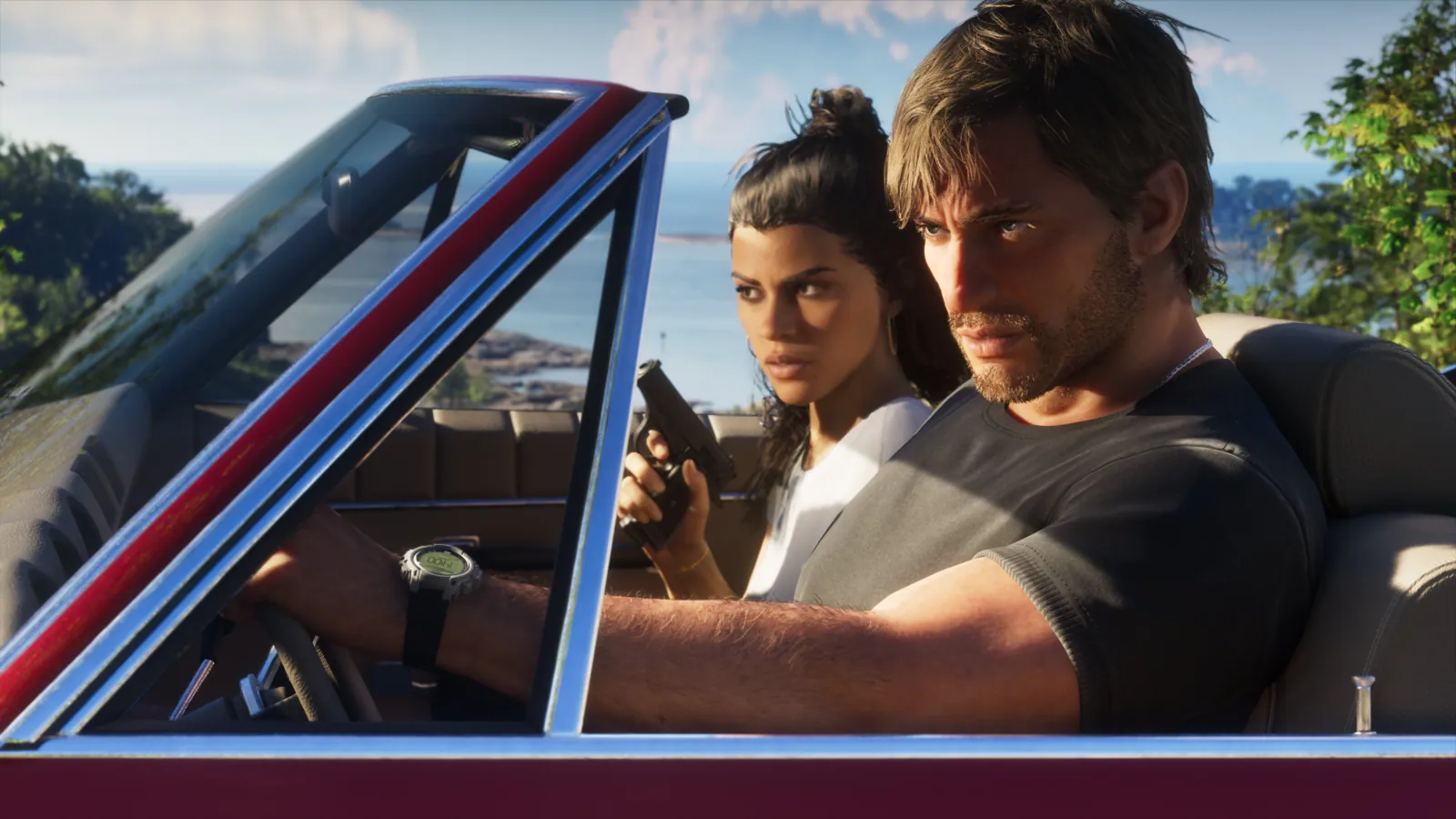
To auto drive in GTA 6, set a waypoint on the map, get in a car, hold down on the D-pad and press Options (PS5) or Menu (Xbox) to switch to the cinematic camera, then hold Circle (PS5) or B (Xbox) when the Auto Drive prompt appears. Jason or Lucia then drive themselves to the marker, obeying traffic lights and right of way, while you sit back and watch Leonida go by. It’s slower than driving yourself and not a replacement for fast travel, but it’s great for sightseeing, photo mode shots and long trips between regions.
How to turn on auto drive
- Set a destination. Open the map and drop a waypoint, or pick a mission or shop from the Index. Without one, the Auto Drive prompt never shows up.
- Get in a vehicle with Triangle (PS5) or Y (Xbox) and pull onto a road.
- Hold down on the D-pad to bring up the Quick Navigation and camera options.
- Press Options (PS5) or Menu (Xbox) while still holding the D-pad to switch to the cinematic camera.
- Hold Circle (PS5) or B (Xbox) when the Auto Drive prompt appears. Some guides say you may need to tap the accelerator (R2 / RT) for a moment before it pops up.
- Change speed with the triggers: R2 / RT speeds up, L2 / LT slows down.
The cinematic camera on its own is just a camera; the car only drives itself once you hold Circle / B.
| Step | PS5 | Xbox Series X|S |
|---|---|---|
| Camera options | Hold D-pad down | Hold D-pad down |
| Cinematic camera | Options | Menu |
| Start auto drive | Hold Circle | Hold B |
| Faster / slower | R2 / L2 | RT / LT |
| Take back control | Hold D-pad down (or Circle) | Hold D-pad down (or B) |

How to stop auto drive
Published guides disagree on the exact button: most say hold down on the D-pad again to leave the cinematic camera and take the wheel, while others say hold Circle / B a second time. Try the D-pad first; either way you’re back in control straight away. Heavy traffic, a crash or a blocked road can also interrupt the trip.
Unrestricted auto drive (off-road)
By default auto drive only works on roads. Head for a beach or cut across a field and the prompt disappears. To change that:
- Open Settings and go to the Gameplay tab.
- Scroll almost to the bottom to Auto Drive.
- Switch it to Unrestricted.
With Unrestricted on, Jason or Lucia will set off even when the marker is off the road network. They still try to rejoin the nearest road, and they can clip trees, bushes and wildlife on the way, which the game warns you about. If you only drive to normal road destinations, you can leave it on the default.
What auto drive does and doesn’t do
- It drives like a careful local. It stops at red lights, gives way and avoids reckless moves, so even the top cruising speed is fairly slow.
- It takes the route to your marker. It follows the GPS line to the waypoint or active objective.
- It isn’t a skip. If you just want to arrive, pay $100 to skip a RydeMe or Paradise Taxi trip instead (see fast travel), or use the phone’s ride apps.
- Boats Rumour: one guide says boats can also auto-navigate as long as the marker can be reached by water, switching off where the water ends. We haven’t seen this confirmed elsewhere.
- Map fog Rumour: one guide says roads you cover on auto drive clear the map fog just like driving them yourself.
Tips
- Pick a radio station first. Auto drive plus a good radio station is the most relaxing way to cross from Vice City to the Keys or Ambrosia.
- Use it for photos. The cinematic camera frames the car nicely, and you can drop into photo mode mid-drive.
- Lose the police first. Auto drive keeps to the speed limit, so it’s no use in a chase. Shake your wanted level before switching it on.
- Watch your fuel. Long autopilot trips still burn gas, so top up before a cross-map run (see the fuel guide).
Quick answers
Can you auto drive in GTA 6?
Yes. Set a waypoint, hold down on the D-pad, press Options or Menu for the cinematic camera, then hold Circle (PS5) or B (Xbox) and your character drives to the marker.
Why is auto drive not showing up in GTA 6?
You need a waypoint or active objective, and you need to be on a road. If your marker is off-road, set Settings > Gameplay > Auto Drive to Unrestricted.
How do you speed up auto drive in GTA 6?
Press R2 / RT to raise the cruising speed and L2 / LT to lower it. Even the fastest setting follows traffic rules.
How do you turn off auto drive in GTA 6?
Hold down on the D-pad to leave the cinematic camera and take control. Some guides say holding Circle / B again also works.
Does GTA 6 auto drive obey traffic laws?
Yes. It stops at red lights and gives way like other drivers, so it’s slower than driving yourself.
Sources5
- Beebom: How to auto-drive in GTA 6
- GameTyrant: How to enable unrestricted auto driving in GTA 6
- GamerBlurb: GTA 6 how to auto drive
- Playnews: GTA 6 auto-drive guide
- Xbox & Play: GTA 6 auto-drive and autopilot controls
Every fact is checked against Rockstar, Take-Two, the platform holders or named major outlets. Leaks and insider claims are labelled Rumour. How we verify