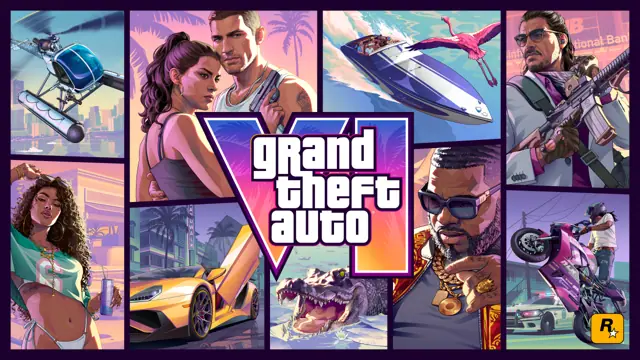
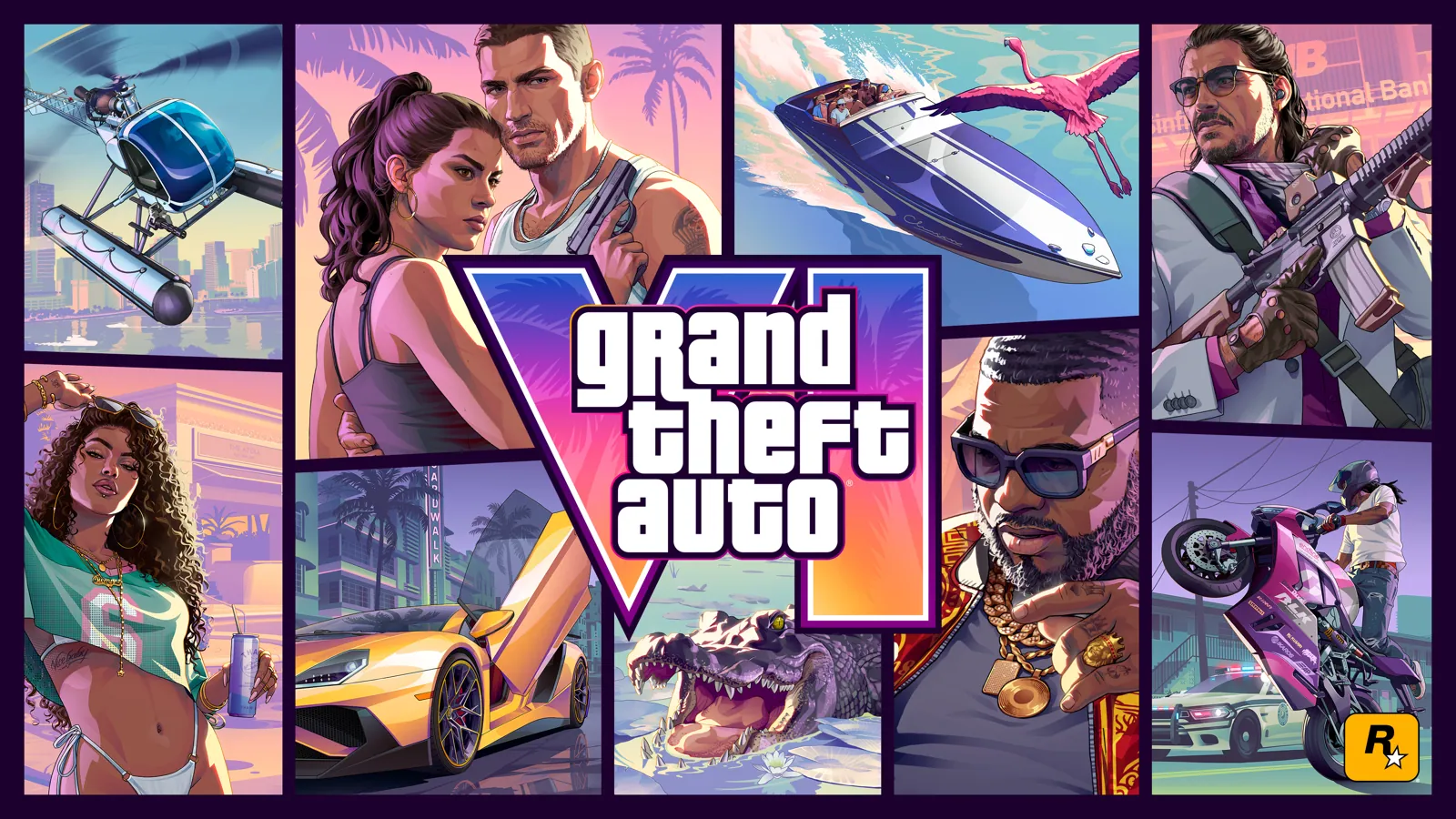
Some GTA 6 players on Xbox say their accounts were suspended after the console automatically uploaded their screenshots and clips Rumour. The reports, which started on Reddit and were picked up by Pure Xbox and other outlets on 21 November 2026, describe suspensions of roughly 28 hours to two days. As of 22 November, neither Microsoft nor Rockstar has commented, and none of the cases has been independently verified.
The safe move costs nothing: switch automatic capture uploads off. Your screenshots and clips still save to the console.
What players are reporting
- A Reddit user said a capture from a Vice City beach was behind their suspension and claimed it showed no nudity, just NPCs in swimwear Rumour.
- Other reports point to captures with nudity or other mature content, which GTA 6 has plenty of Rumour.
- Affected players say they lost access to multiplayer, messaging and uploading media for the length of the suspension, not their games Rumour.
- There are no matching reports from PS5 players so far.
Why it could happen
Xbox consoles upload every screenshot and game clip you take to your Xbox network profile by default. Once uploaded, captures fall under Xbox’s community rules, which ban nudity and sexual content even when it comes from an age-rated game. It has happened before: in early 2024, Xbox confirmed it had suspended some Baldur’s Gate 3 players over auto-uploaded clips, said the decisions weren’t automatic, and told players to turn auto-upload off.
How to turn off auto-upload on Xbox Series X|S
- Press the Xbox button to open the guide.
- Go to Profile & system > Settings > Preferences > Capture & share.
- Set Automatically upload to Don’t upload.
- If you also back captures up to OneDrive, turn that off too if you don’t want GTA 6 shots sent there.
You can still upload a capture by hand when you choose to. GTA 6 itself has no way to post photos online: Snapmatic is browse-only, as our photo mode guide explains.
Quick answers
Can you get banned on Xbox for GTA 6 screenshots?
Some players say they were suspended for one to two days after their console auto-uploaded GTA 6 captures with mature content. Microsoft hasn’t confirmed it, but turning auto-upload off avoids the risk.
How do I stop my Xbox uploading GTA 6 clips?
Xbox button > Profile & system > Settings > Preferences > Capture & share, then set automatic upload to Don’t upload.
Does this affect PS5 players?
There are no reports from PS5 players so far.
Sources4
- Pure Xbox: GTA 6 players warned to turn off auto-uploads or risk getting banned on Xbox
- Softonic: GTA 6 players now report Xbox suspensions over captures
- VGTimes: GTA 6 players warned to disable Xbox auto-uploads after suspension reports
- VGC: Xbox confirms it’s banning Baldur’s Gate 3 players who auto-upload sex clips (2024)
Every fact is checked against Rockstar, Take-Two, the platform holders or named major outlets. Leaks and insider claims are labelled Rumour. How we verify